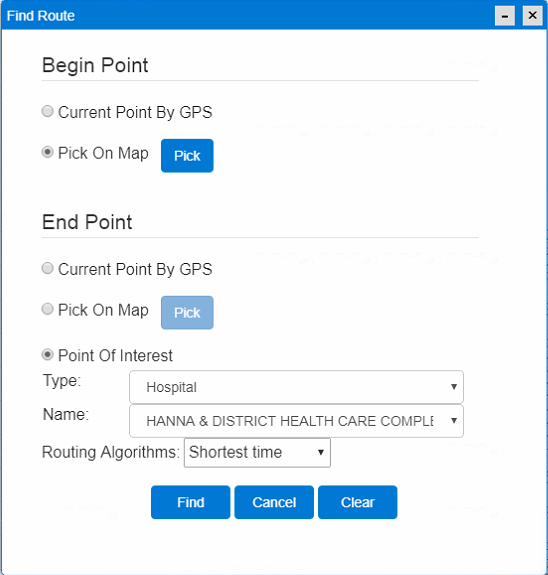
Find Route
This tool is used to find route between two places on the map.
After clicking the "Find Route" menu, this window appears:
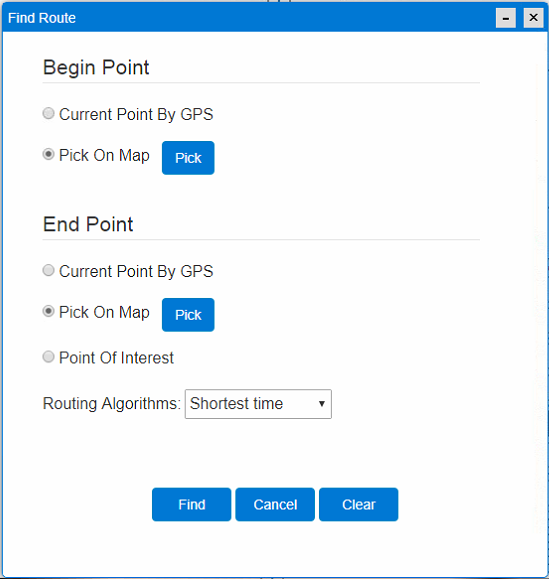
Operation steps:
- Click
 under label "Begin Point".
 - Choose a starting point on the map.
- Click under label "End Point".
- Choose a destination on the map.
- Press
 button to find the route.
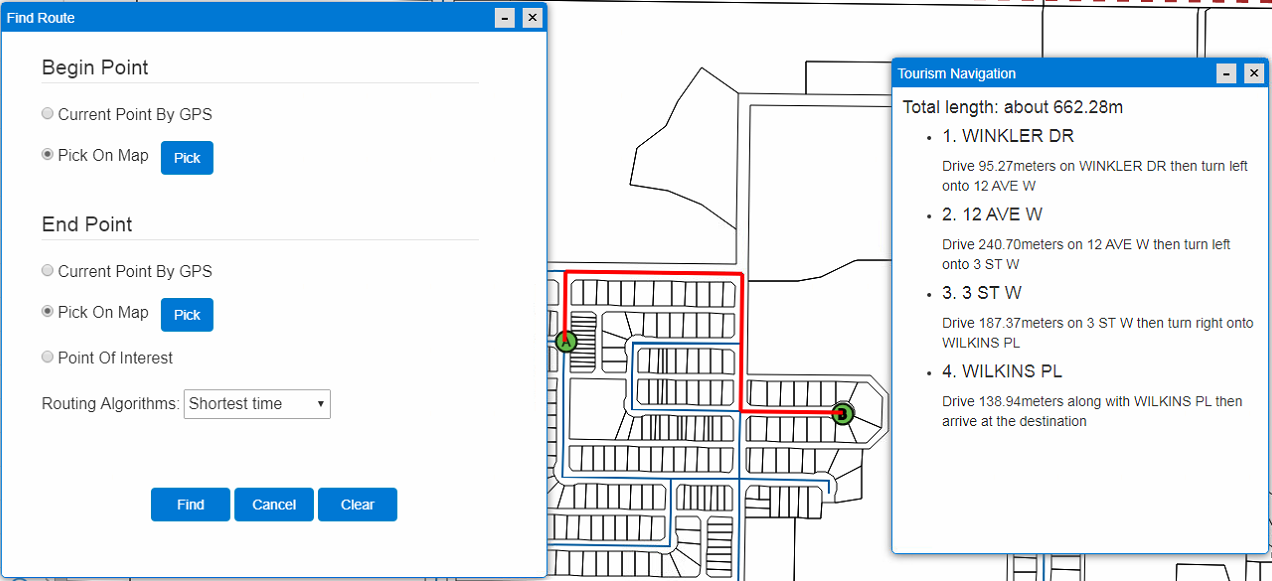
You can also choose a POI point as your destination